VXDIAG VCX SE for BMW First Review
Purchase:
September, 9th, 2019.
Paid US$175 from vxdiag website http://www.vxdiagshop.com/wholesale/vxdiag-vcx-se-bmw-wifi-diagnostic-tool.html free delivery
Unboxing:
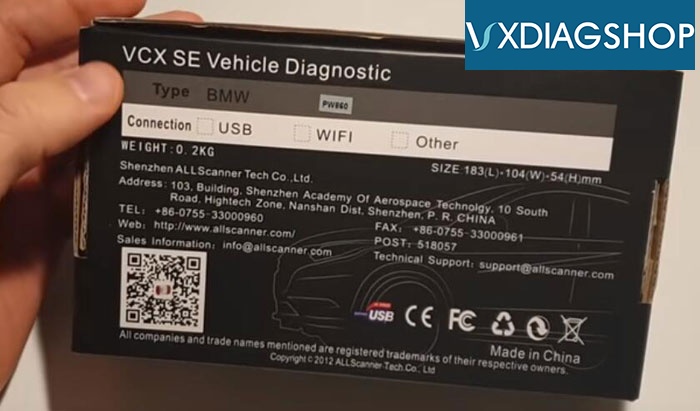
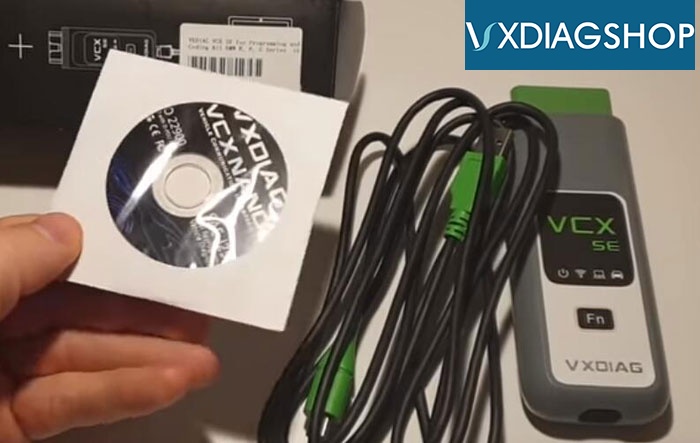
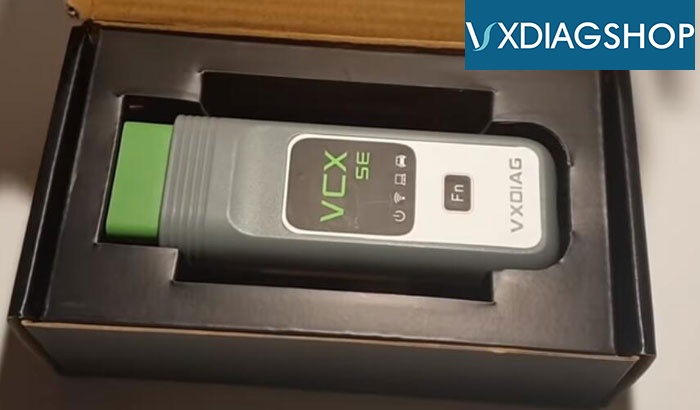
packed in small clean box with a driver CD, USB plug and a VCX SE main unit
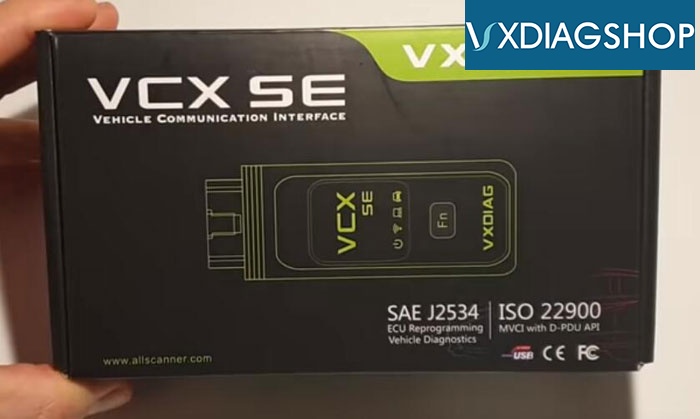
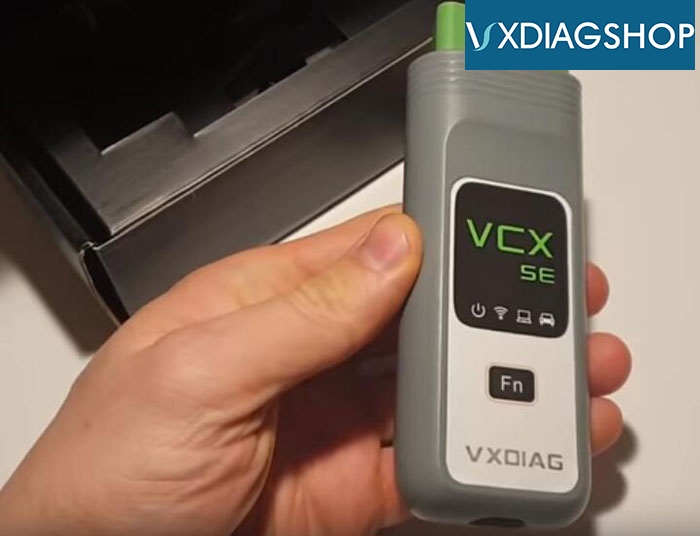
Front
with 4 communication indicators and a “Fn” reset button (used when fail to start vcx after firmware upgrade)
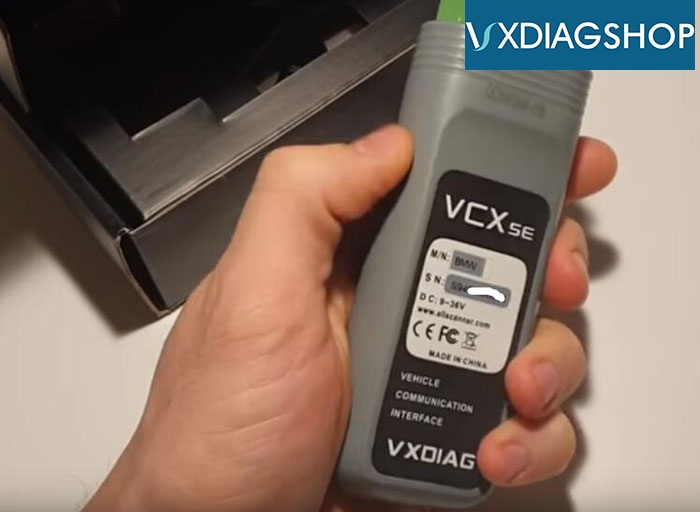
Back
where you can find the serial number
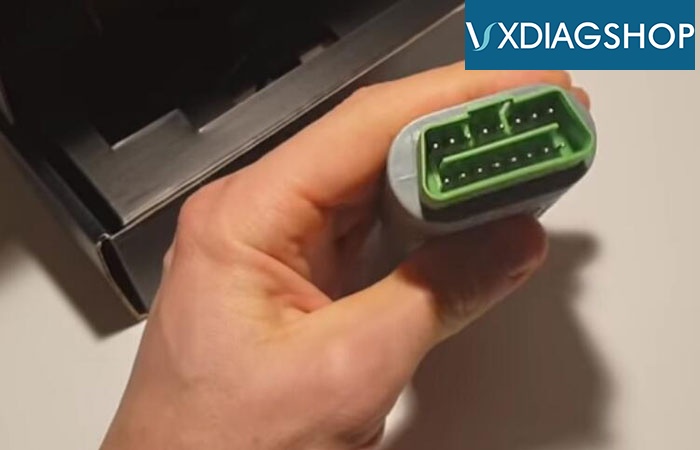
16-PIN diagnostic adapter which connected to vehicle’s OBD socket
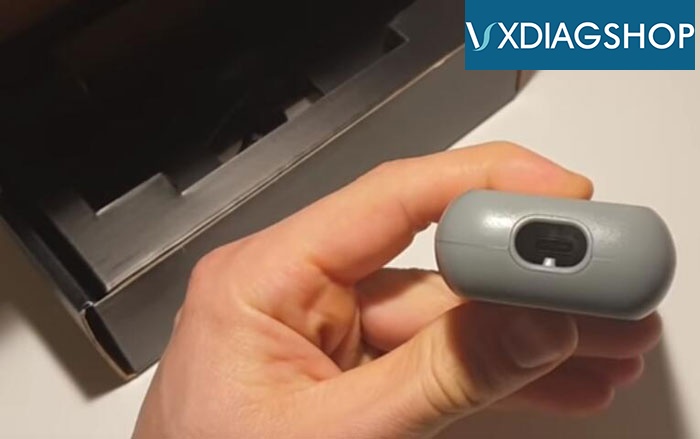
USB connector
Setup:
Install VX Manager from software CD
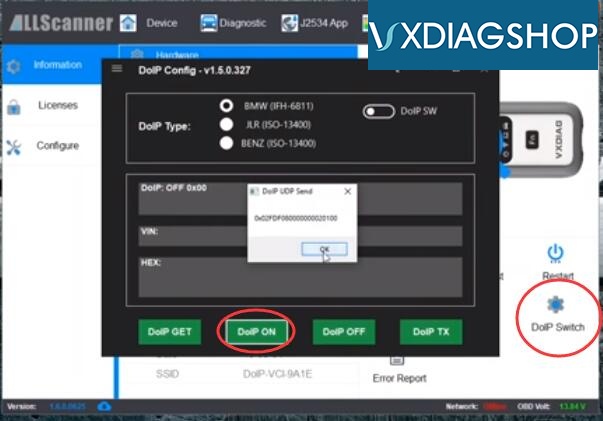
vcx se is different from other vcx nano scanners, need to turn on the DoIP switch to make it connected
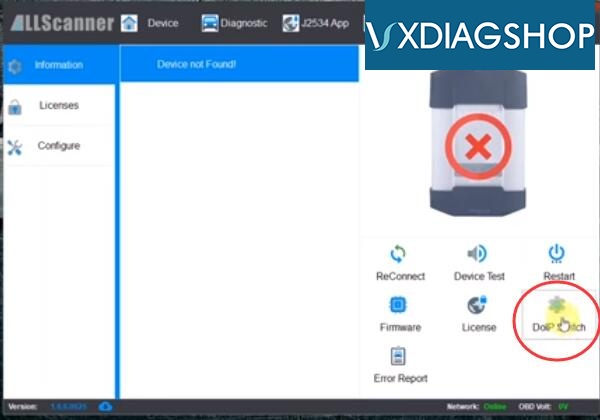
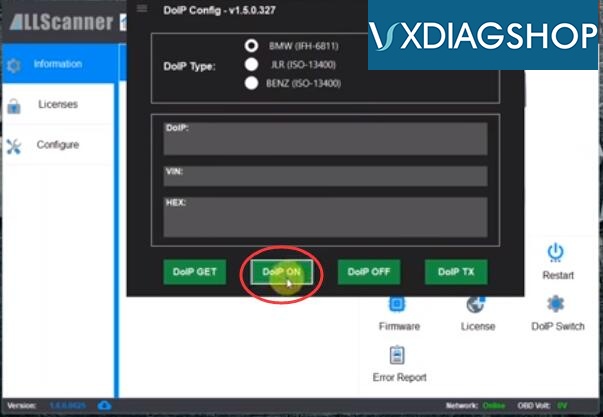
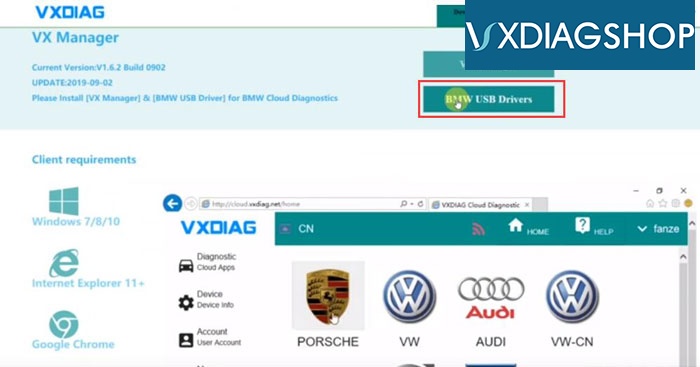
If you need Cloud Diagnosis, you’ll also need to install a BMW USB Drivers which can be downloaded free from vxdiag website.
VX Manager prompts me new VCI & DoIP update
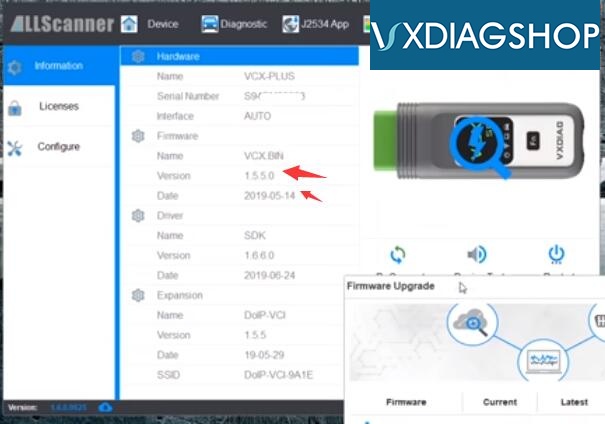
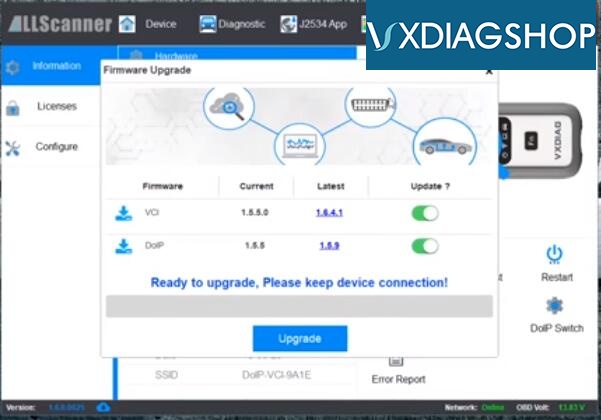
Run an firmware update
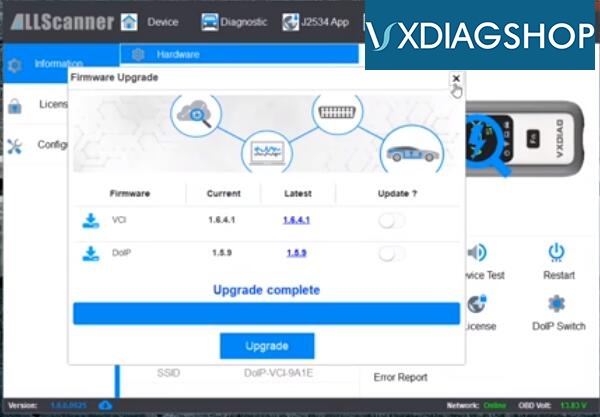
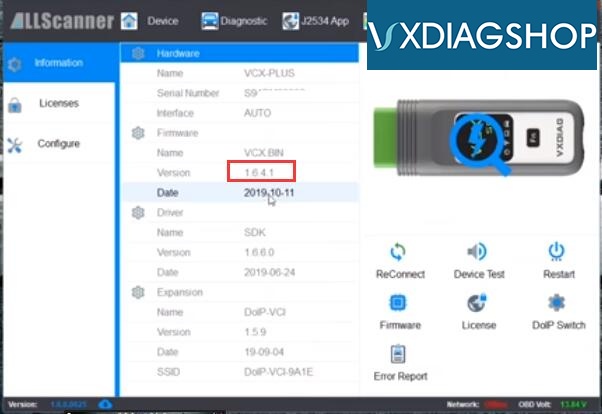
Don’t forget to press the Fn reset button after firmware update.
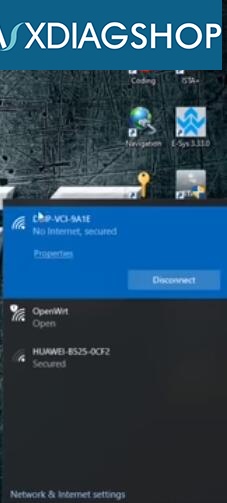
vcx se bmw allows to connect via USB or WiFi. I prefer WiFi connection.
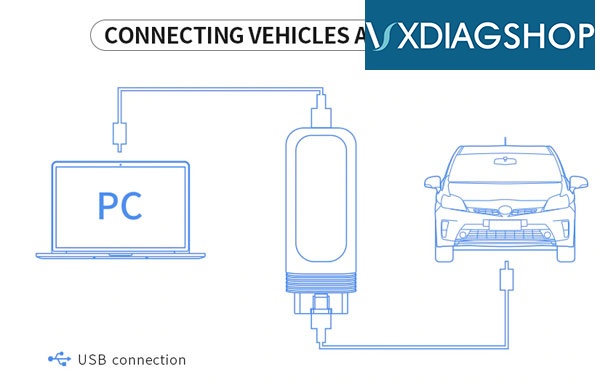
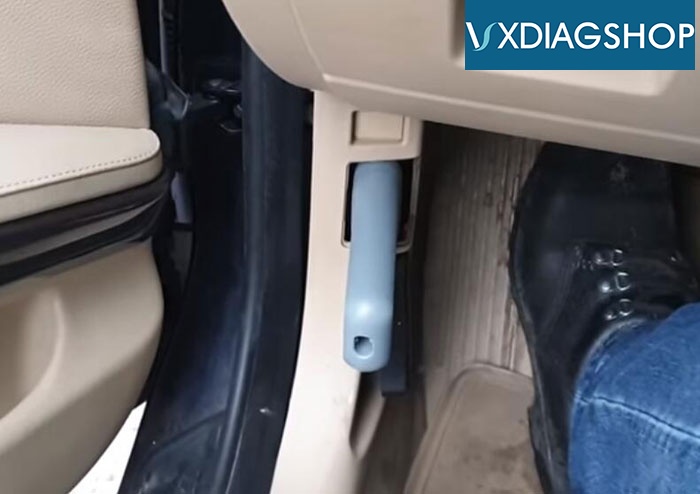
Insert the vxdiag vcx se interface to OBD port
Pair WiFi
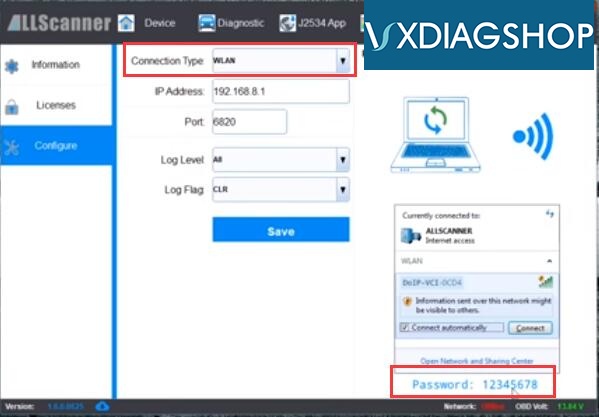
Make sure you have turn on the DoIP switch
Run a self test
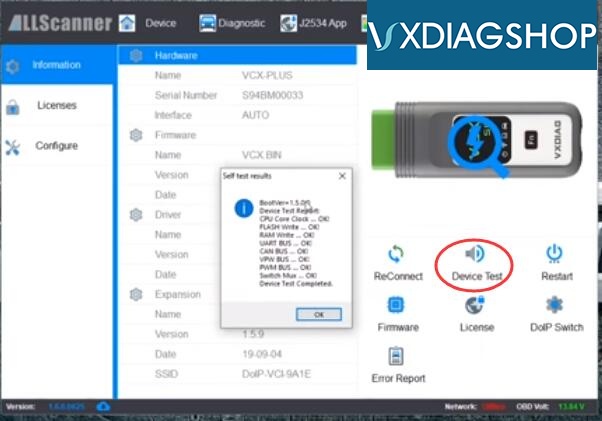
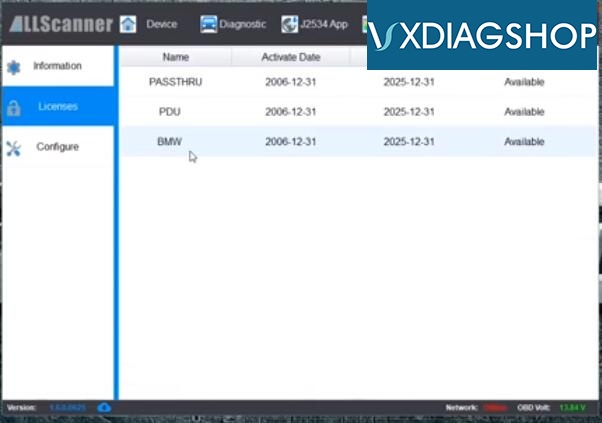
Check software license. BMW & Passthru are enabled.
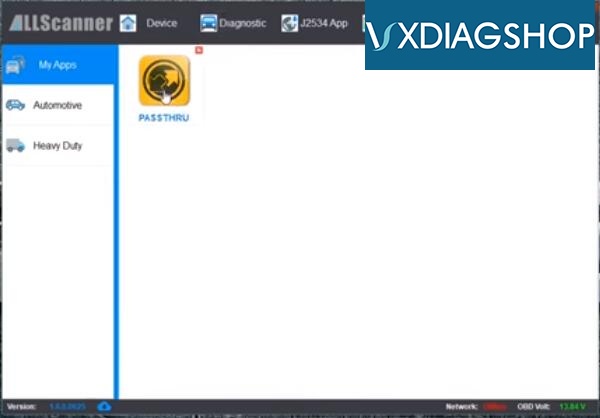
I use ISTA software of my own. Software in HDD format is available at vxdiagshop.com as well.
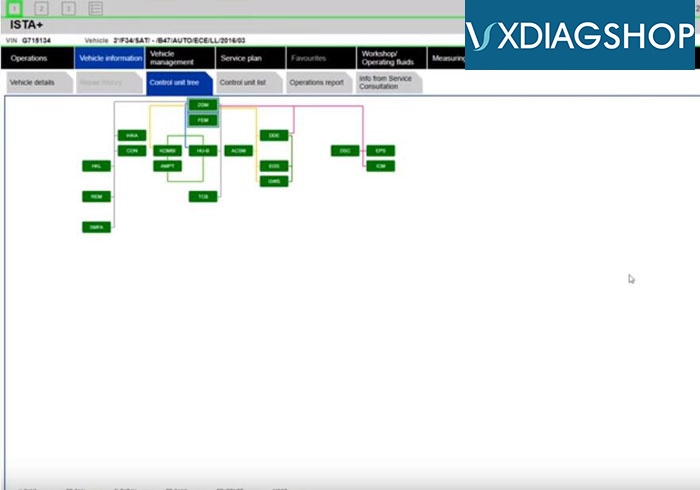
Run I-S-T-A+ to perform diagnosis and programming
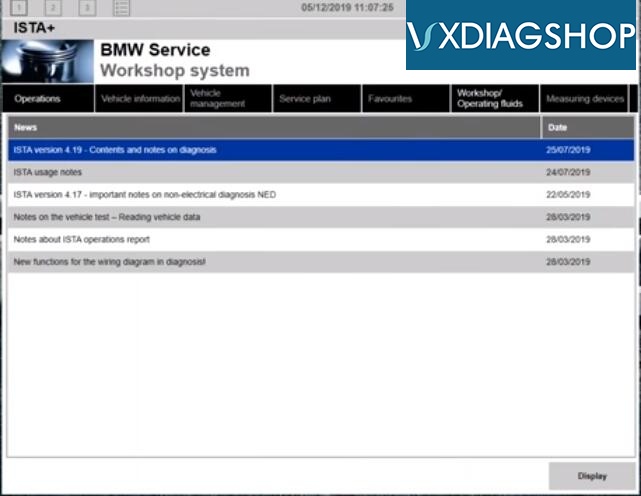
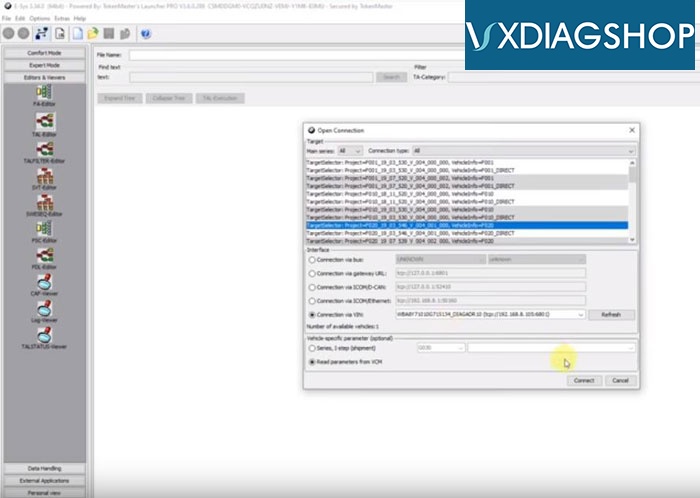
CIC coding with E-sys software
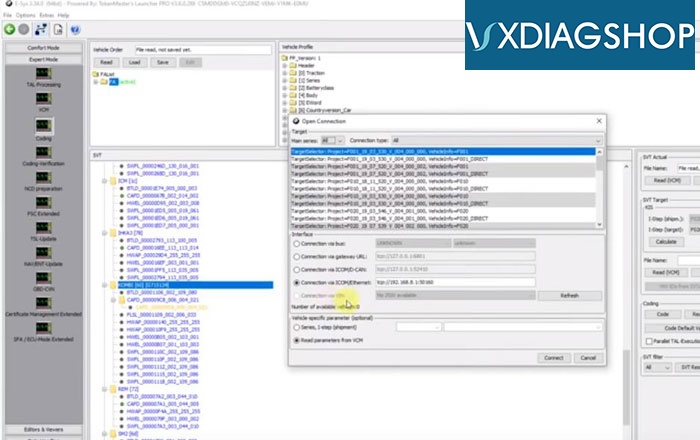
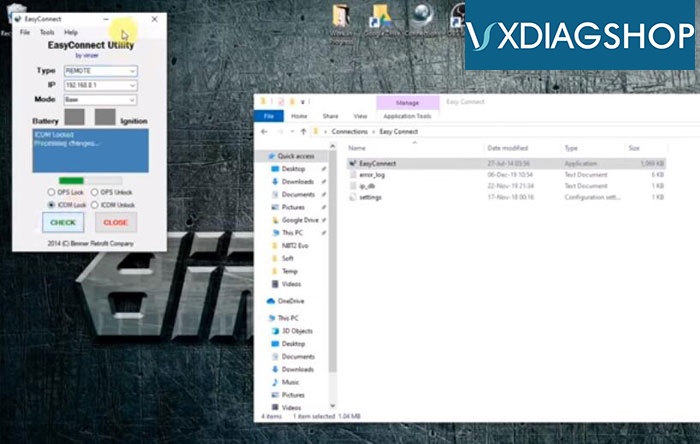
To enable Ncs expert/WinKFP coding, make sure you turn on the Easy Connect
More detail can be found here
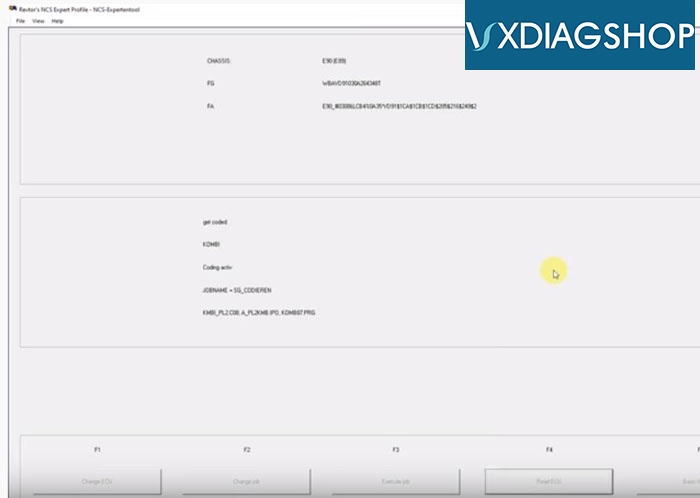
Diagnostic is quick. Programming is slower than ICOM. For less than 200 bucks, it beats the price.